Seize the Data #8 - From Beginner to Pro: Tableau Insights with Johnnie!
Johnnie is a certified Tableau Data Analyst with 15 years of experience. He specializes in creating visually engaging and functional data reports for clients ranging from small businesses to large enterprises.
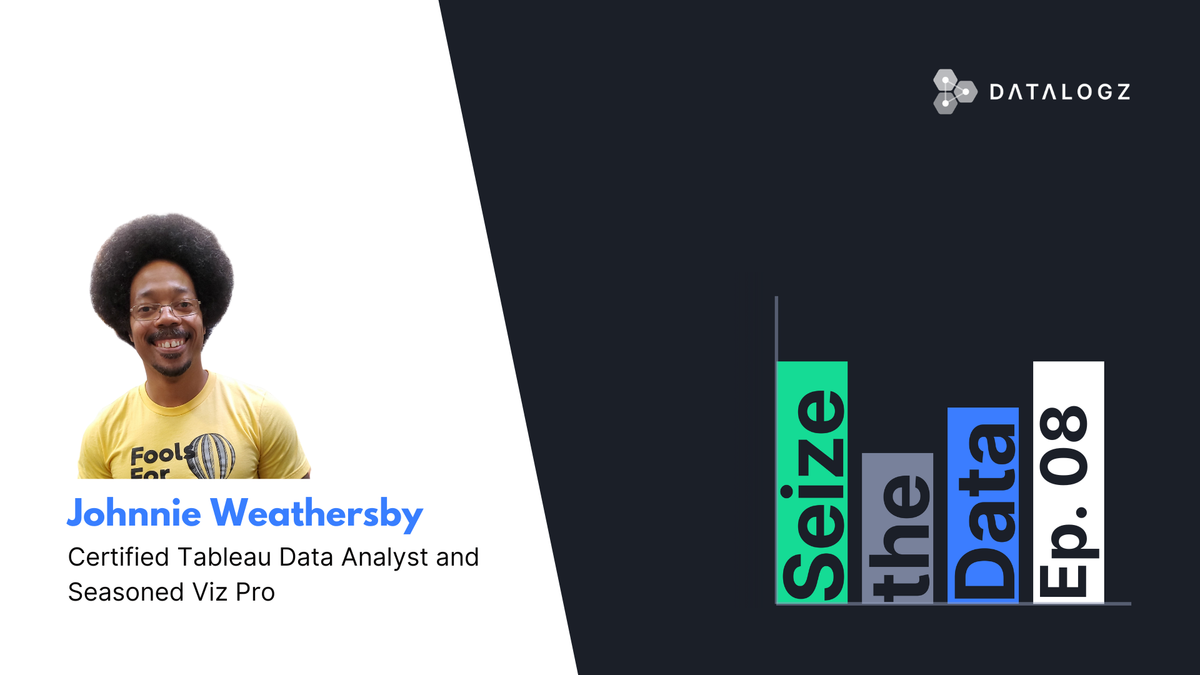
Johnnie is a certified Tableau Data Analyst with 15 years of experience. He specializes in creating visually engaging and functional data reports for clients ranging from small businesses to large enterprises. A regular at San Diego’s Tableau User Group, Johnnie also has experience with BI tools like PowerBI, Looker, and ThoughtSpot. Passionate about training, he designs effective in-person and online learning experiences for both technical and non-technical users.
Seize the Data is an initiative by Datalogz to host conversations with data leaders to gather and share insights about what's happening and what's to come in the space. Find out more about us here: https://www.datalogz.io.
Frequently Asked Questions
Common questions about this topic, answered.
How do I go from beginner to pro level in Tableau?
Focus on building visually engaging yet functional reports, starting with small business use cases before tackling enterprise complexity. According to Tableau Data Analyst Johnnie, who has 15 years of experience, effective learning requires a mix of hands-on practice and structured training designed for both technical and non-technical users. Joining local Tableau User Groups, like San Diego's, provides community support and real-world insights.
What skills should a Tableau Data Analyst develop?
A strong Tableau Data Analyst should master creating visually engaging and functional data reports across different business scales. Certification as a Tableau Data Analyst validates core skills, while familiarity with adjacent BI tools like Power BI, Looker, and ThoughtSpot broadens your value. Training design skills—for both in-person and online formats—are increasingly valuable for analysts who need to enable their teams.
How do enterprises manage Tableau alongside other BI tools like Power BI and Looker?
Many organizations run multiple BI platforms simultaneously, which creates governance and observability challenges. Datalogz provides multi-platform BI observability across Tableau, Power BI, Qlik Sense, and other tools in a single platform—currently governing over 720,000 BI assets across enterprise deployments. This unified approach helps data teams track usage, eliminate duplicate content, and manage sprawl across their entire BI environment.
What resources does Datalogz offer for learning about BI and data analytics?
Datalogz hosts 'Seize the Data,' a conversation series featuring data leaders sharing insights on current trends and future directions in analytics. Episodes feature practitioners like certified Tableau analysts with enterprise experience, providing actionable advice for BI professionals at all levels.
How do I design effective Tableau training for non-technical users?
Effective training for non-technical users emphasizes visual storytelling and functional report design over technical complexity. Experienced Tableau trainers recommend creating learning experiences that work both in-person and online, focusing on business outcomes rather than tool mechanics. Pairing training with BI governance practices—like those supported by observability platforms such as Datalogz—helps ensure users adopt standardized, high-quality dashboards.